Three changes that cost you sales
Add a listing once. We tell you only when one of these moves.
The Buy Box changed hands
Another seller took the Add-to-cart button on a listing you watch.
The price moved
See the old and new price side by side, the same day.
A seller joined or left
Know when a listing gets more crowded, or when a rival drops out.
Every alert says where it was checked, for example “checked from Sacramento, CA 95829”.
From a live listing to one short email
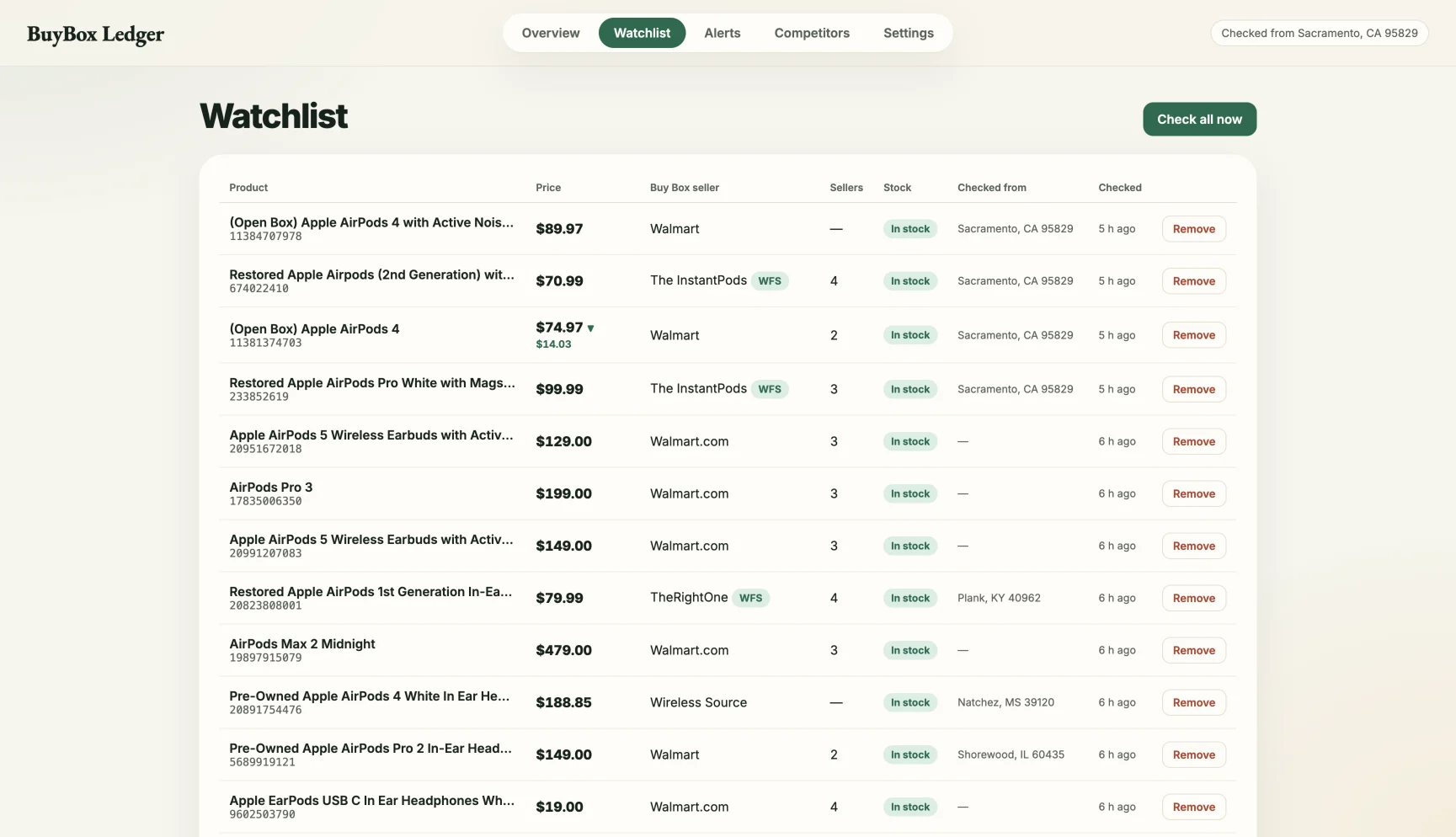
A real Walmart listing with four sellers, read by BuyBox Ledger. The alert at the end is demo data.
No Seller Center login. Just the listing.
We read the public Walmart page, the way a shopper sees it.
Add any listing
Paste a Walmart link or item ID, or scan a competitor's store and pick from it.
We check every day
Price, Buy Box seller, every other seller and who ships with Walmart.
You get one email
Only when something changed, with the listing and its day-by-day history.
Seller Center covers your catalog. We watch the rest of the shelf.
Its free item report is great for your own items. Here is what it doesn't do.
| Seller Center | BuyBox Ledger | |
|---|---|---|
| Price and Buy Box data for your own items | ✓ | ✓ |
| Any listing, including ones you don't sell yet | — | ✓ |
| A competitor's whole store, with Walmart's badges | — | ✓ |
| Works without your Seller Center login | — | ✓ |
One plan to start. Straight answers.
Planned launch price. Join the waitlist to get early access.
- Up to 100 Walmart listings, yours or anyone's
- Daily checks with email alerts
- Every seller on each listing, with history and CSV export
- 5 competitor store scans a month
What you get
- The price, Buy Box seller and other sellers we saw at each check
- A history that starts the day you add a listing
What we don't claim
- Units sold or sales estimates
- Warehouse stock
- Buy Box win rate, or why Walmart chose a seller
- Changing your prices: we watch, you decide
Stop finding out from your sales report.
Get early access when BuyBox Ledger opens.
Join the waitlist →